zenpage
Online calendar for therapists: 7 criteria to choose well
Booking without calls, reminders, sync, payment, real cost: the grid for choosing an online calendar suited to a therapy or wellness practice.
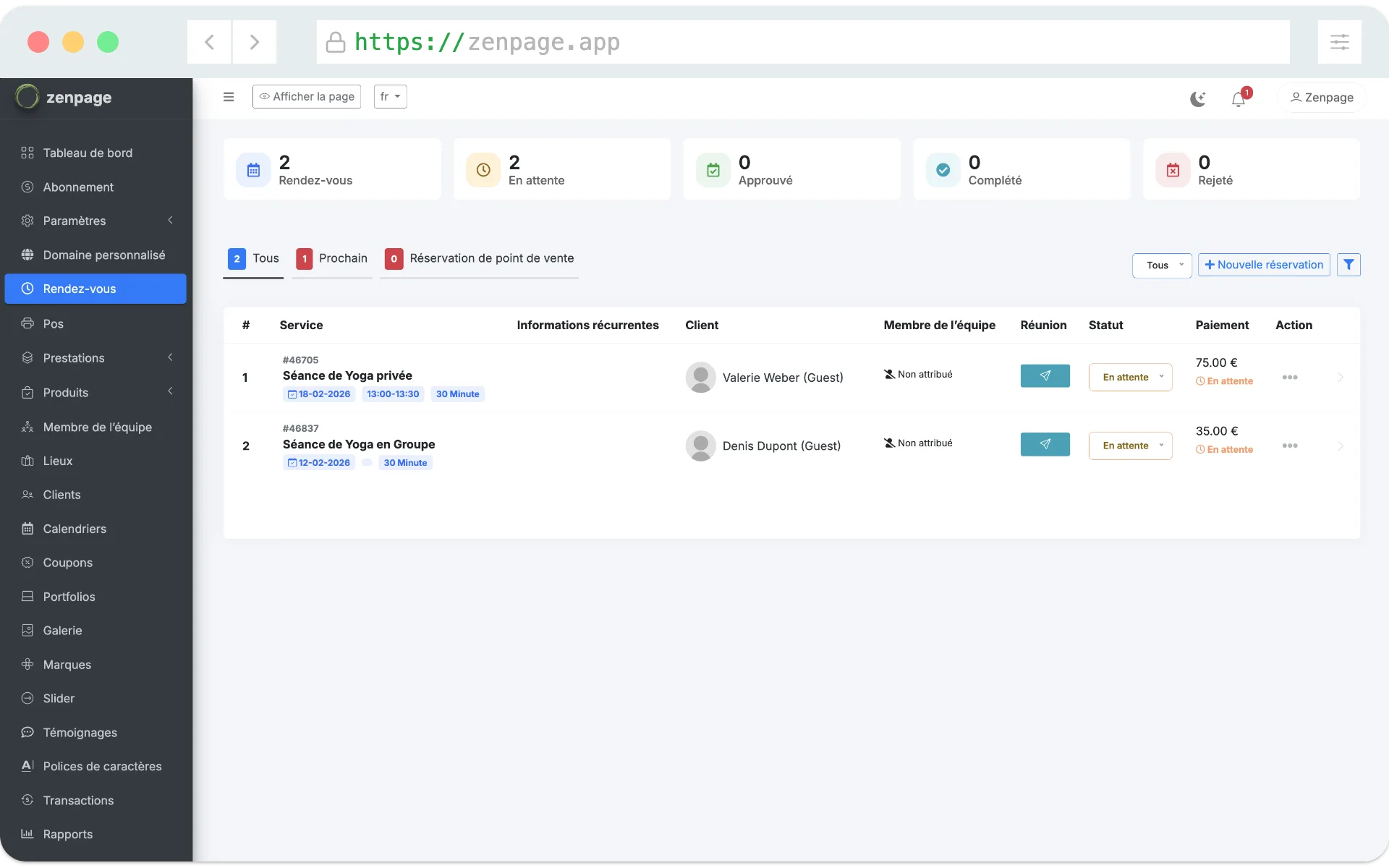
Between voicemails, texts and emails, booking appointments by hand ends up eating into session time. An online calendar solves this problem, provided you choose a tool designed for your profession. Generic booking solutions aren't always suited to a therapy practice: they ignore the relationship with the client, the practitioner's image or group sessions.
Here are the seven criteria to check before deciding.
1. Booking must be simple for the client
Test the journey as if you were a client, on a phone. How many clicks to book? Do you have to create an account? Are the price and duration of the session visible before choosing a slot? Every unnecessary step loses bookings, especially among people discovering you.
2. Automatic reminders must be included
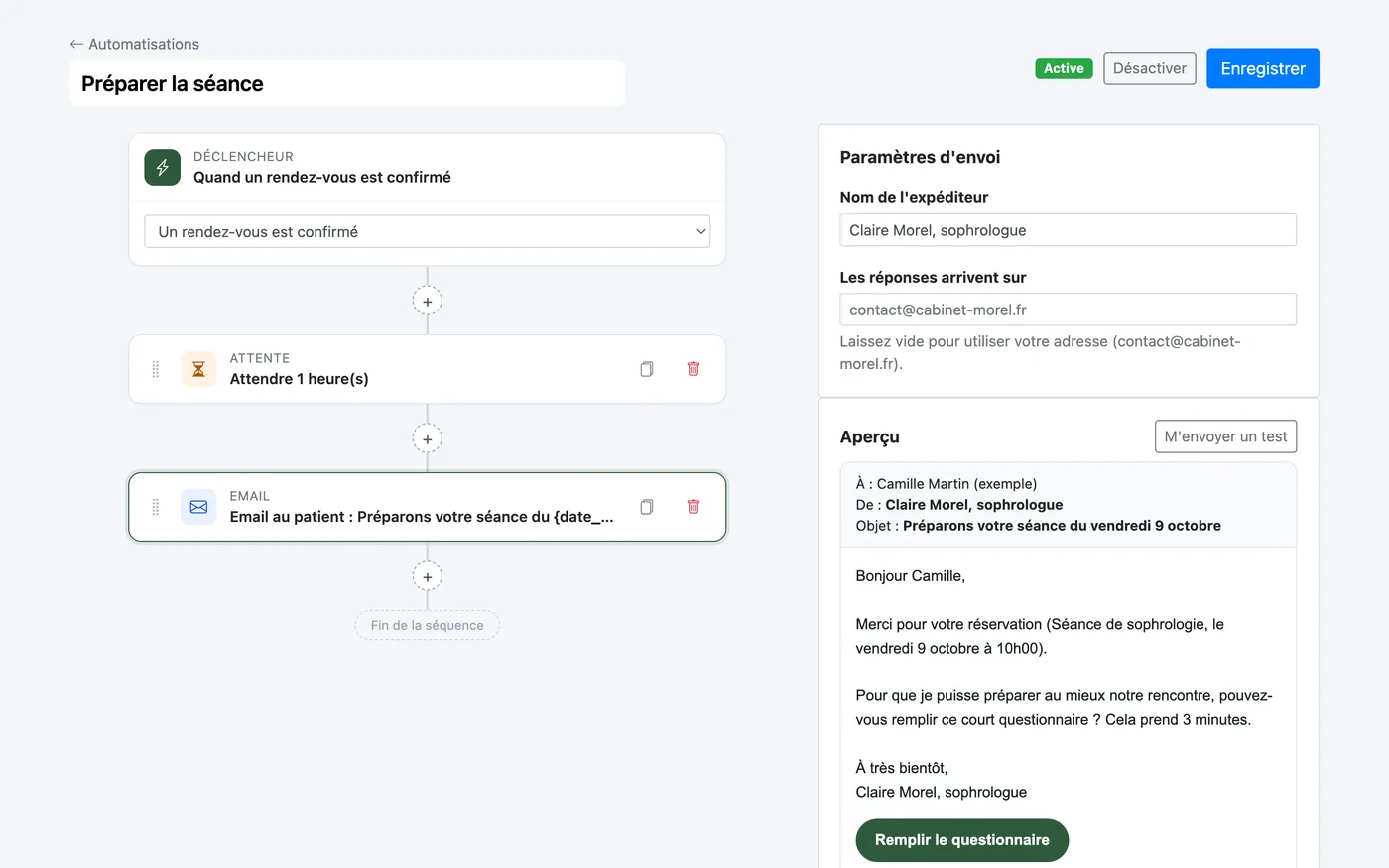
A calendar without automatic reminders only does half the job. Check that you can customize the message, choose when it is sent and, ideally, add other messages: session preparation, thank-you, follow-up for clients who haven't come back. We explain why in our article on missed appointments.
3. Sync with your calendar
You probably already have a personal calendar. The tool should sync with it to avoid double bookings: Google Calendar, Apple Calendar or Outlook. A private iCal feed is a simple solution that works with almost every calendar.
4. A real website, not just a widget
Many tools only offer an impersonal booking page. Yet a client who hesitates first wants to know who you are, what your approach is and how a session works. A calendar built into a professional website reassures, and makes you visible on Google. To know what to put on it, read what a therapist's website should contain.
5. Online payment, if you need it
Payment at booking limits no-shows and simplifies accounting, but it doesn't suit every practice. Choose a tool where it stays optional, and where the money goes directly into your Stripe or PayPal account, with no intermediary.
6. Group sessions and workshops
If you run classes, circles or retreats, check that the tool handles limited places and multiple sign-ups. Managing workshops in a second tool means two calendars to watch.
7. The real cost, over a year
Compare the price over twelve months, options included: SMS reminders, number of practitioners, domain name, commission on payments. Some tools display a low entry price then charge for every useful feature.
| Criterion | What to check |
|---|---|
| Booking | No account, readable on mobile, price displayed |
| Reminders | Automatic, customizable, included |
| Sync | Google, Apple, Outlook or iCal feed |
| Website | Complete professional page, searchable |
| Payment | Optional, paid into your own account |
| Groups | Workshops with limited places |
| Price | Annual cost with the options you need |
Our advice to get started
Start with a free plan, create a single service and have a friend book. You'll see in ten minutes whether the journey is smooth. That is exactly what Zenpage offers: a free website and calendar, then the Pro plan when you want to take payments online or automate your follow-ups, at €19.90 excl. VAT per month (€199 excl. VAT per year, or €1,490 excl. VAT for life). The getting started guide details each step.
Frequently asked questions
Is an online calendar useful if I see few clients?
Yes: it's often when activity is starting that every booking counts. An online calendar avoids losing a client who couldn't reach you, and free plans are usually enough at this stage.
Do my clients have to create an account to book?
With a good tool, no: the client chooses their slot and leaves their contact details. On Zenpage, they then get a client area to find or move their appointments.
Can I keep my Google Calendar?
Yes. Zenpage offers Google Calendar sync and a private iCal feed, readable in Google, Apple Calendar or Outlook. See the calendar documentation.
How much does an online calendar cost for a therapist?
From free to several tens of euros per month depending on options. Zenpage offers a free plan at €0, no credit card, to publish your website and test automations for 15 days, then a Pro plan at €19.90 excl. VAT per month, €199 excl. VAT per year or €1,490 excl. VAT for life (online payment, custom domain, automations).