zenpage
Attracting clients as an osteopath: 7 concrete levers
Osteopath: attract clients with your Google listing, online booking, client reviews and doctor network. 7 concrete, actionable levers.
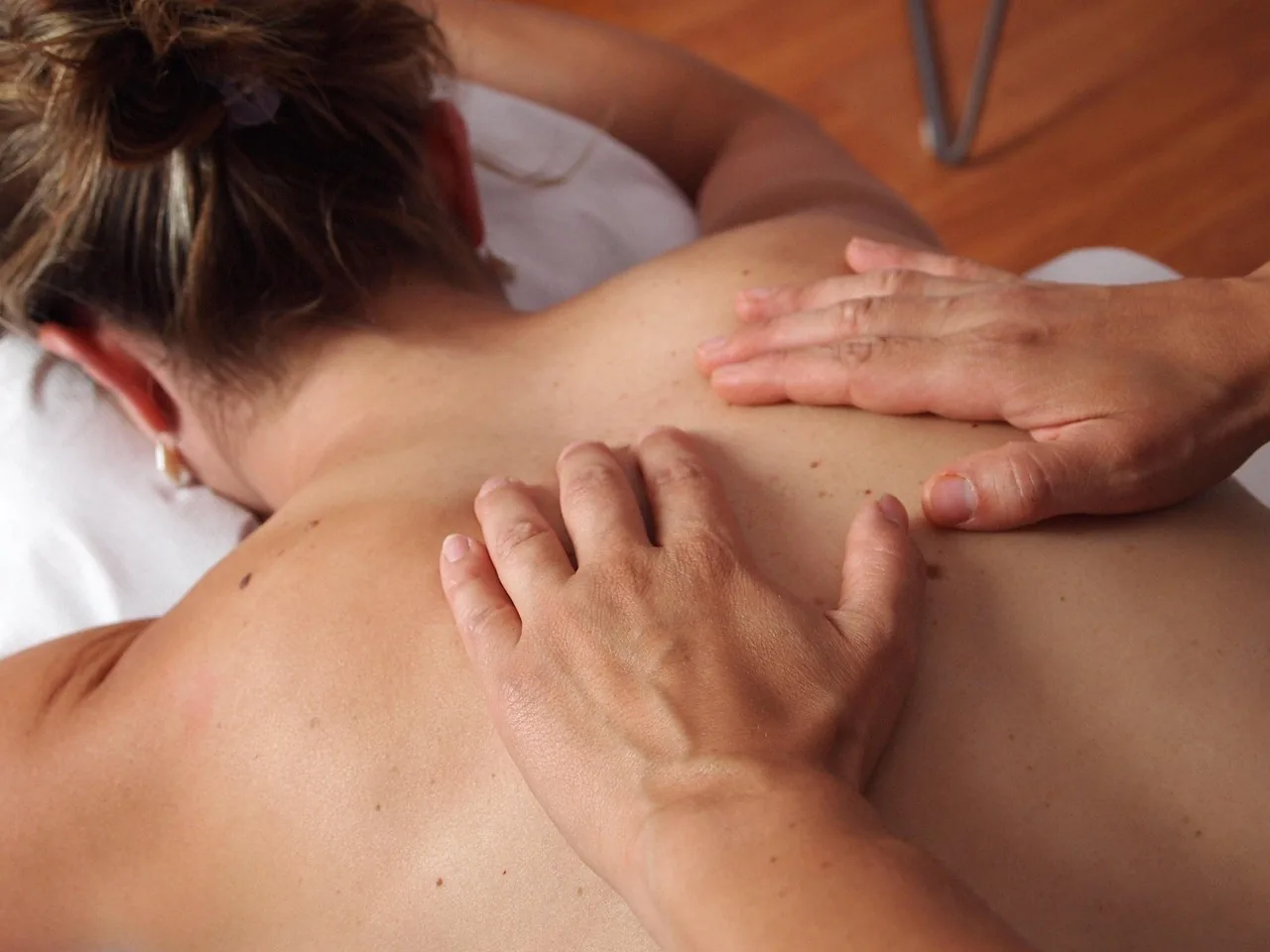
Attracting clients as an osteopath rests on four pillars: a clearly displayed specialty, visible presence in local searches, online booking available at any time and satisfied clients who recommend the practice. Here are seven concrete levers, ranked from foundation to acceleration, to fill your calendar sustainably.
Why do some osteopaths attract more than others?
In the same city, several osteopaths offer comparable care. What makes the difference isn't technique, which the client can't assess before coming, but the clarity of the message. "General osteopath" tells nothing to a client who has had back pain for weeks and is looking for someone who understands their case. Display your most common reasons for consultation: lower back pain, stiff neck, athlete follow-up, pregnancy support, infants, pain from screen work. Stay free to welcome other requests, but give each visitor a reason to think "this is for me". If your booking page already exists, check that these reasons appear there as they are: that is where the client chooses. See how to present online booking for your osteopathy practice.
How do you get found by clients near you?
Most clients search for an osteopath with the name of their city or neighborhood. Three elements cover most of this local visibility. First, a complete Google listing: category, hours, description of the conditions treated, photos of the practice and booking link. Then, a few directories targeted at your profession and city, with strictly identical information from one directory to the next. Finally, a clear booking page that opens from each of these entry points. Read the levers that work to find clients and adapt them to osteopathy's reasons for consultation. This foundation takes a bit of work once, then attracts requests every week with no extra effort.
How do you turn a visit into an immediate booking?
An interested client who can't find how to book leaves for another practice. Some requests arrive in the evening or on weekends, when the practice phone isn't answered: without online booking, these clients are lost. Put your booking link everywhere you can be found: Google listing, email signature, social profiles, business cards, confirmation messages. On the page itself, keep reasons for consultation written in everyday language ("back pain", "stiff neck") rather than technical vocabulary, show the next available slots and send an immediate confirmation. In Zenpage, these settings live in the calendar and services: once set, the page runs on its own. For the complete method, read how to fill your therapist calendar.
Which content attracts osteopathy clients?
A client in pain first looks to understand: is it serious, how long will it last, what to do while waiting for the appointment. Content that answers these questions attracts readers who are already concerned, so already close to booking. The table below gives angles that work for an osteopath, without jargon and without promising a cure.
| Client's reason | Content angle that attracts | Call to action |
|---|---|---|
| Back pain at the office | Postures and breaks that relieve day to day | Link to booking for a consultation |
| Recent stiff neck | What to do in the first days, when to consult | Link to the next available slots |
| Getting back to sport | Preparing your body and avoiding comeback pain | Link to the "athlete follow-up" reason |
| Pregnancy | Relieving the back month after month, safely | Link to the "pregnancy support" reason |
| Restless baby | Signs that lead parents to consult an osteopath | Link to the "infants" reason |
Publish little but regularly, one topic at a time, and link each piece to the matching reason for consultation in your calendar (calendar settings). A few well-targeted pages beat a blog abandoned after three articles.
How do you activate the network of professionals around you?
Referrals between professionals bring clients who already trust you, so easier to welcome and more loyal. Build this network methodically:
- General practitioners and midwives in the neighborhood: present your reasons for consultation and leave cards with your booking link.
- Pharmacists and health shops: they hear customers talk about pain every day, a discreet display is enough.
- Sports coaches and gyms: offer a posture or recovery workshop, which introduces your work to a concerned audience.
- Local companies: a "back pain at the office" workshop makes the practice known to employees who will become clients.
- Other therapists (psychologists, dietitians, sophrologists): exchange cross-referrals for clients with combined needs.
A coffee, a card and a booking link are worth more than a cold message. Revisit this network every year: a nurtured contact recommends, a forgotten contact stops.
How do you get clients to come back and recommend you?
A satisfied client comes back, brings a relative and leaves a review. Three simple reflexes organize this word of mouth: offer the next session at the end of each consultation, send a reminder before the appointment to avoid no-shows (reminder automations), then ask for a review after a few sessions. Reviews feed the Google listing, which attracts the next clients: it's a loop. To automate the request at the right time, read how to request reviews automatically after the session.
Track three indicators every month: new requests (where your clients come from, ask at the first session), sessions completed and the share of clients who come back for a second session. If requests stagnate, work on visibility; if they don't convert, work on the booking page; if clients don't return, work on follow-up.
Where to start this week?
Start with the foundation: reasons for consultation written in everyday language, complete Google listing with booking link, booking page tested as a client would see it. In the second week, activate two contacts in the local network and schedule your first piece of content. Online booking, reminders and the review request can then run without you: Zenpage groups them in one tool, with a free plan to start and no credit card.
Frequently asked questions
How can an osteopath stand out from other practitioners in their city?
By displaying a readable specialty (athletes, pregnant women, infants, chronic pain), specific reasons for consultation and simple online booking. A precise message is remembered and recommended more easily than a generalist one.
Does online booking really help attract clients?
Yes, because some clients book in the evening or on weekends, outside the practice's opening hours. Without a booking page available at any time, these requests go to a colleague who offers one.
Do you have to be on medical appointment platforms?
Not necessarily. These platforms bring visibility but take a commission and put you in direct competition with neighboring practices. A personal booking page linked to your Google listing keeps the relationship and avoids the commission.
What to do when the calendar stays empty despite good visibility?
Check the booking journey: understandable reasons for consultation, visible available slots, immediate confirmation. Then offer a simple entry point such as a posture workshop or a first discovery consultation.