zenpage
Featured image and SEO title: the settings that earn clicks on your therapist blog
Featured image and SEO title for a therapist blog: image format, alt text, title length and Zenpage editor settings that earn your blog more clicks on Google.
Your featured image and SEO title decide whether your blog article gets read or ignored: the title earns the click in Google, the image holds the eye on the page and in shares. In the Zenpage editor, these two settings take five minutes per article, with a landscape format at least 1200 pixels wide, descriptive alt text and a 50 to 60 character title. Here is how to get them right with every post.
Why do the featured image and the title matter so much on a practice blog?
On Google, your article is one line among ten: a precise title that repeats the words of the client wins the click, a vague title loses it. On your blog, it works the other way round: visitors see the featured image first, and it is the image that makes them want to read. The two work as a team, one for being found, the other for being read. An article with no image or with a generic title such as "Article 3" or "Welcome" carries both handicaps at once.
The title also keeps working after publication: it becomes the browser tab title, the link text when someone shares the article, and often the basis of the title shown by Google. The featured image illustrates the blog home, the category pages and the social network previews. Getting these two settings right is therefore one piece of work for four displays. If you have not published anything yet, start by writing your first blog article, then come back here to polish its presentation.
Which format and subject work best for a featured image?
Aim for a landscape format at least 1200 pixels wide, in a light file (compressed WebP or JPEG). Landscape displays well everywhere: large on the article, as a thumbnail on the blog home and in share previews. An image that is too heavy slows the page down, and a slow page sends visitors away before the first sentence, especially on phones.
Pick a simple subject that stays readable at small sizes: a practitioner in session, a notebook and a cup of tea, a bright room. Avoid images overloaded with text, complicated collages and anxiety-inducing visuals, even to illustrate stress or pain. Readers should grasp the mood in one second, without decoding anything. A soothing, sharp photograph builds more trust than an abstract illustration, and it looks like what clients will find at your practice.
Think about the consistency of the whole blog too: images in a similar style (same tones, same brightness) give an impression of seriousness when visitors browse the home page. This is not gratuitous refinement, it is readability: a visually stable blog reads faster than a blog where every thumbnail changes universe.
How do you write an SEO title that earns the click?
A good therapist blog title fits in 50 to 60 characters, puts the client query first and adds a concrete benefit at the end. The query first helps Google understand the topic; the benefit at the end helps the human pick your line over the neighbouring one. "Article ideas for a sophrology blog" works this way: the subject comes first, the promise follows.
Compare two approaches to feel the difference: a title centred on you ("My thoughts of the moment") tells a searching client nothing, while a title centred on them ("Sleep: three rituals that calm you before bed") repeats their words and announces precise content. The first reassures the author, the second attracts the reader. Your blog exists for the second.
| Setting | Good practice | To avoid |
|---|---|---|
| Displayed title | 50 to 60 characters, query first, benefit at the end | Generic title, or cut off by Google beyond 60 characters |
| Article address | Short, lowercase, with the words of the title | Long address copying the whole title word for word |
| Featured image | Landscape, 1200 pixels minimum, light file | Heavy or portrait image that slows the page |
| Alt text | One sentence describing the image with the words of the topic | File name left as is, or empty field |
| Summary | 150 to 160 characters that invite readers in | First sentence of the article copied without editing |
The summary deserves as much care as the title: it is what Google shows under the title in the results. Write it as an invitation in 150 to 160 characters, with the words of the client question and a hint of what the article brings. To feed your coming titles, these article ideas designed for a sophrology blog show how to start from questions heard at the practice, a method that works for every profession.
Where do you set the image, title and summary in the Zenpage editor?
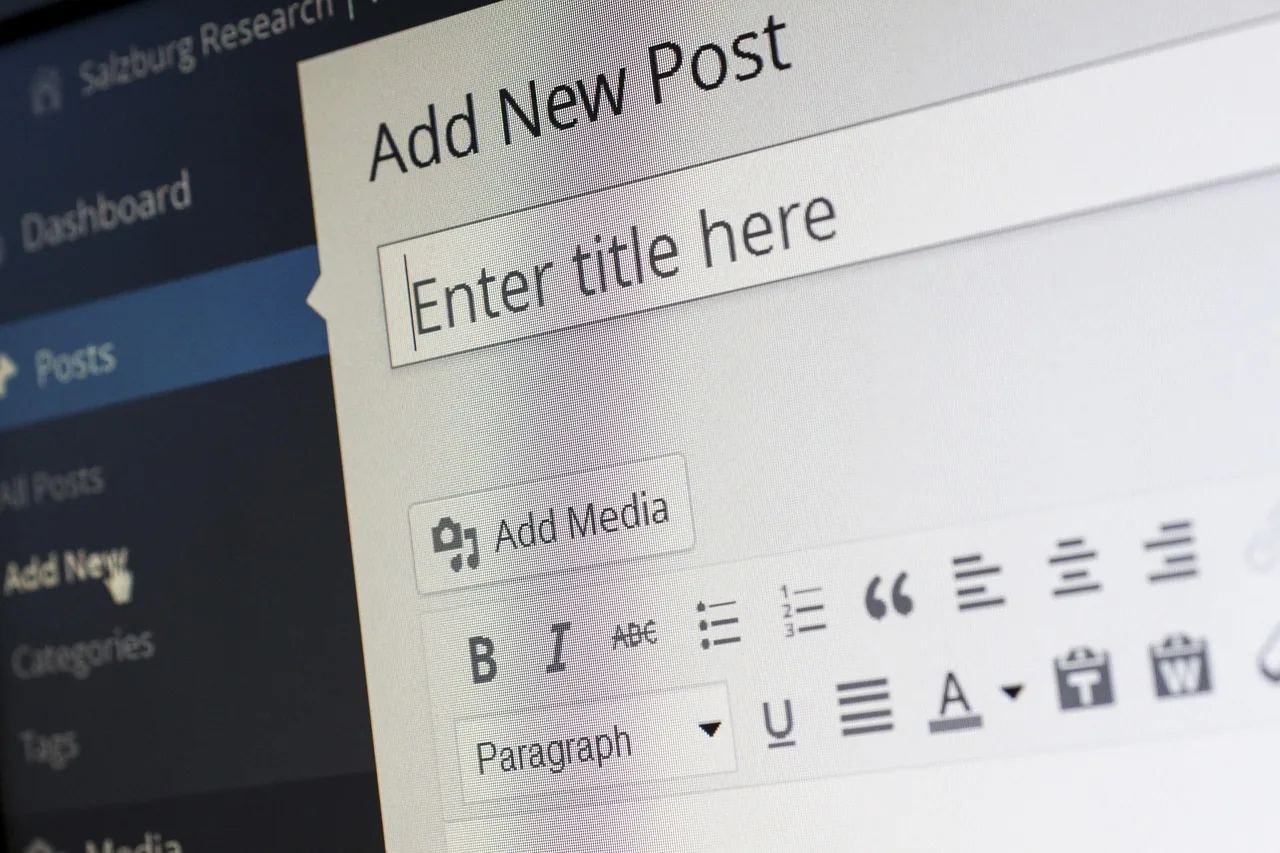
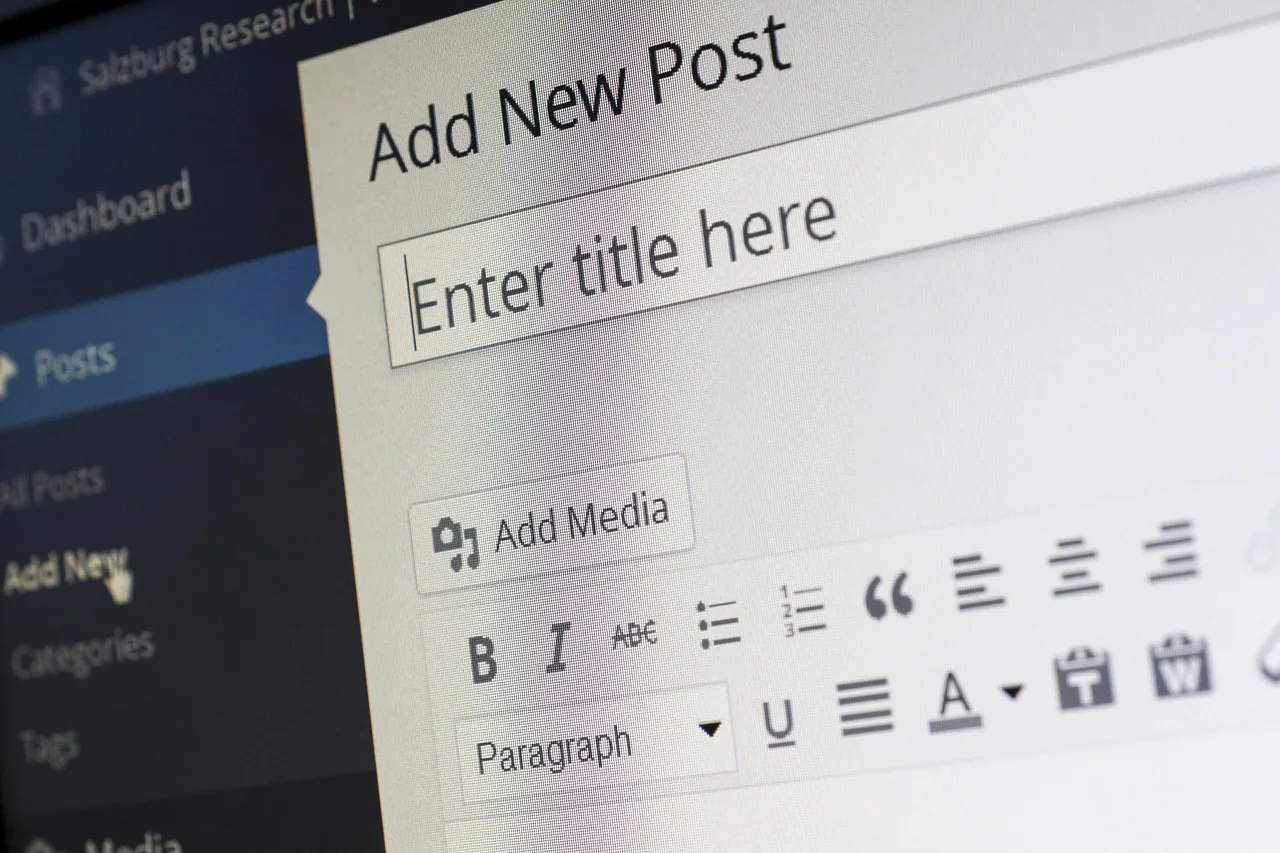
The steps follow the official documentation (blog section of the documentation) and happen in the same place as your other settings. Open the Blog section of your dashboard, create a new article or reopen an existing draft, then review the article panel point by point.
Fill in the title (50 to 60 characters), check the suggested web address and shorten it if it repeats the whole title, upload the landscape featured image with its alt text, then write the summary shown in Google. Next pick the category and two to five tags, as explained in the guide to organizing blog categories and tags. Finally proofread the article on the visitor side: readable title, sharp image, flawless summary, working links.
Also check how it fits into the website: the article should appear on the blog home and in its category, with your theme layout. The public website presentation in the documentation shows how the Blog section connects with the rest of your pages. Click Publish only when this preview suits you, or Save draft for a fresh-eyed reread later.
A practice blog builds trust when it shows who is speaking and within which limits: your training, what a session really looks like, what your practice does not replace, and a referral to a doctor when the question is medical. Avoid promises of results and the words treatment or cure. This ethical rigour is also what Google and your readers expect from health and wellbeing content.
Which mistakes should you avoid with images and titles?
Practice blogs almost always stumble on the same settings, and each one takes minutes to fix.
- Keeping the draft title. "Draft 2" or "New article" sometimes goes live by accident. Reread the title in the panel before every publication.
- Writing a title that is too long. Beyond 60 characters, Google cuts it and the benefit disappears. Shorten it while keeping the query first.
- Leaving the full title as the address. A twelve-word address is unreadable when shared. Keep four to six meaningful words.
- Forgetting the alt text. Without a description, the image stays silent for visually impaired readers and for Google. One sentence is enough.
- Reusing the same image everywhere. Three articles with the same thumbnail blur together on the home page. Vary the visuals while keeping a consistent style.
- Illustrating with an off-topic visual. A decorative image unrelated to the text disappoints readers. If the visual does not fit, change it instead of keeping it by default.
Once these habits are in place, measure what they bring: clicks on your titles and the queries that bring readers show up in Search Console, as explained in the guide to measuring your therapist blog results. And for the bigger picture of the blog (topics, frequency, tone, ethics), the therapist blog guide on the agency side sets the general framework that this article puts into practice in the Zenpage editor.
Frequently asked questions
Which format should I choose for a therapist blog article featured image?
A landscape format at least 1200 pixels wide, as a light WebP or JPEG file, with a subject that stays readable at small sizes. This format displays well on the blog home, on category pages and in previews shared on social networks.
What should I write in the featured image alt text?
One short sentence describing what the image shows, using the words of the topic, for example the practice and the situation in the photo. Alt text helps visually impaired readers and gives Google one more clue about the article theme.
How long should a good therapist blog article SEO title be?
Between 50 and 60 characters, with the main query at the start and a concrete benefit at the end. Beyond that, Google cuts the title in the results and readers never see the promise that should have earned their click.
Where do I set the featured image and the title in the Zenpage editor?
In the article panel, in the Blog section of your dashboard: title, web address, featured image with its alt text, summary and category. These settings go with the writing and get checked on the visitor side before you click Publish.